Extract
- Basics Unsure how to start? Learn how.
- DIY Extract Wrangles Build your own customized extract wrangles
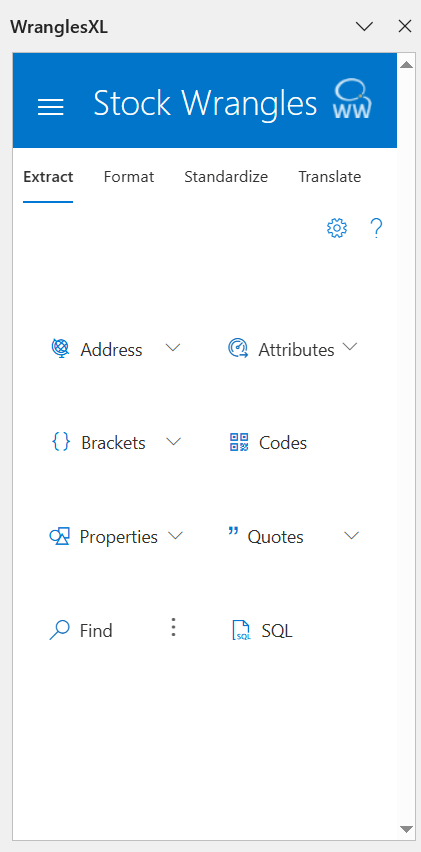
Wrangles in the Extract category pull specific information out of an input column and, in some instances, standardize the values.
If the extract wrangle finds multiple values, it returns them as a comma separated list.
Address
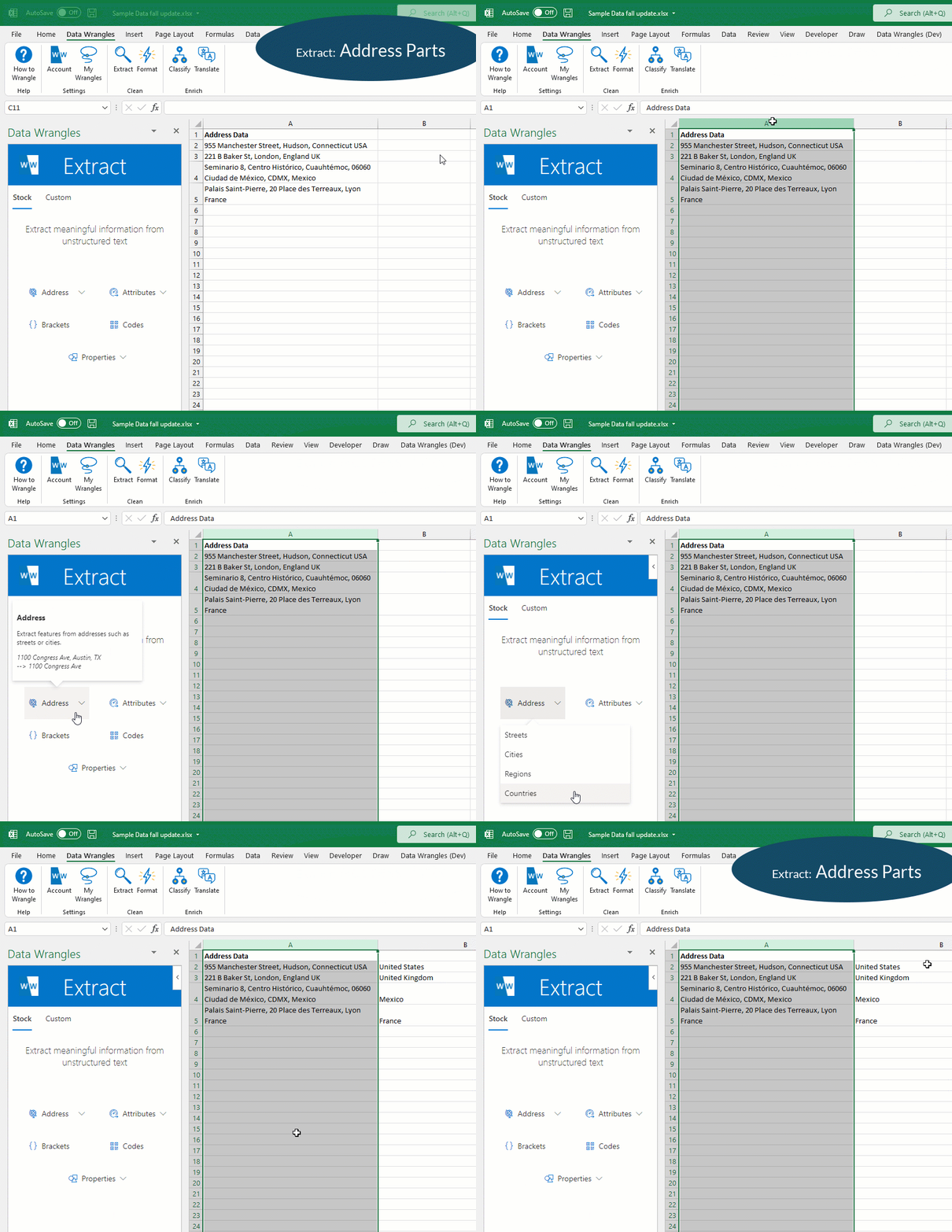
Addresses are an example of data that often gets lumped together into a single field. The problem is that most target systems require address parts (street, city, state etc.) to be mapped to separate fields when importing. The Address extractor can wrangle that for you!
Tabset
Example
Options
| Option | Notes |
|---|---|
| Streets | |
| Cities | |
| Regions | The exact area extracted varies between countries, this is equivalent to states for the USA. |
| Countries |
Attributes
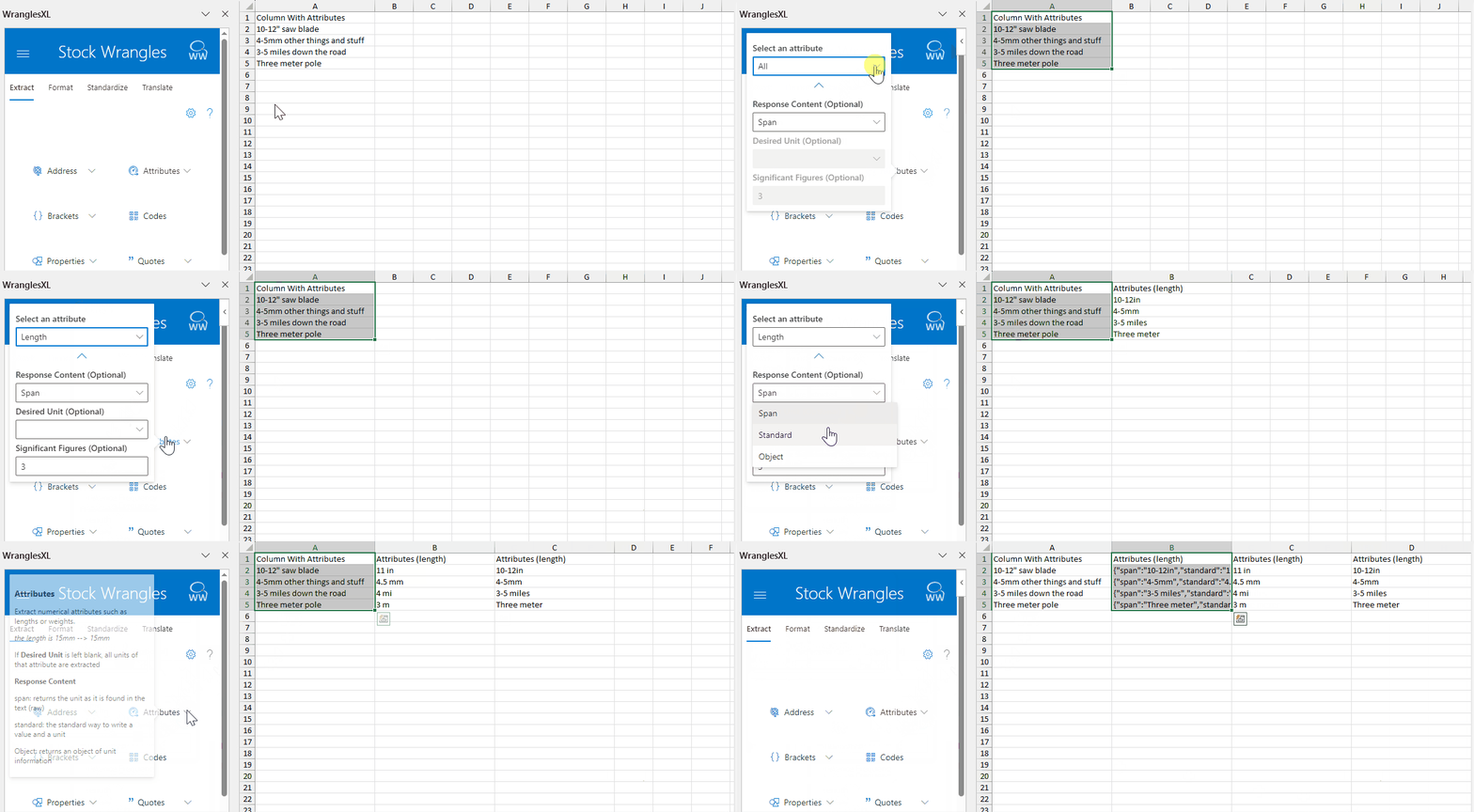
Extract numeric attributes such as lengths, weights, current, pressure and much more.
Attributes can be output as a Span (10-12" for example), Standard (a single value, averaged if a span is input), or an Object (key: value pairs of the span, standard, symbol, unit and value).
Desired units can be chosen for any given attribute (as long as there is more than one unit of measure for that attribute), and significant figures can be chosen as well.
Tabset
Example
| → |
|
Options
| Option | Notes |
|---|---|
| Attrbute | The attribute to be extracted. |
| Response Content | The desired output. Span, Standard or Object |
| Desired Unit | The desired unit for the output (an attribute must be selected for this option). All units will be converted if not already represented in desired unit. |
| Significant Figures | The number of digits to report the value. |
Attributes
| Attribute | Description |
|---|---|
| All | Extracts all attributes found as a JSON object |
| Angle | Angles in degrees or radians |
| Area | 2D areas such as m<sup>2</sup> or ft<sup>2</sup> |
| Capacitance | The amount of charge that can be stored at a given voltage by an electrical component called a capacitor. |
| Charge | Electric charge (measured in coulombs). |
| Current | Electrical current. |
| Data Transfer Rate | The speed at which data moves from one device to another or within a network. |
| Electric Potential | The difference in potential energy per unit charge between two locations in an electric field (ie the voltage). |
| Electrical Conductance | The measure of how easily an electrical current passes through a material. |
| Electrical Resistance | The measure of the opposition to the flow of current in an electrical circuit. |
| Energy | Power derived from the utilization of physical or chemical resources, especially to provide light and heat or to work machines. |
| Force | Forces such as newtons. |
| Frequency | The measure of how often something happens or repeats within a unit of time. |
| Inductance | The tendency of an electrical conductor to oppose a change in the electric current flowing through it. |
| Instance Frequency | The frequency of a signal at a specific point in time (ie rotations per minute or rpm). |
| Length | Lengths such as mm or inches |
| Luminous Flux | A measure of the perceived power of light emitted from a light source. |
| Mass | The measure of the amount of matter in a body. |
| Power | Power such as watts or hp |
| Pressure | Pressure such as psi or bar |
| Speed | The rate at which someone or something is able to move or operate. |
| Temperature | The average kinetic energy of the vibrating and colliding atoms making up a substance. |
| Volume | 3D volumes such as m<sup>3</sup> or ft<sup>3</sup> |
| Volumetric Flow | Also known as volume flow rate, or volume velocity, is the volume of fluid which passes per unit time. |
Brackets
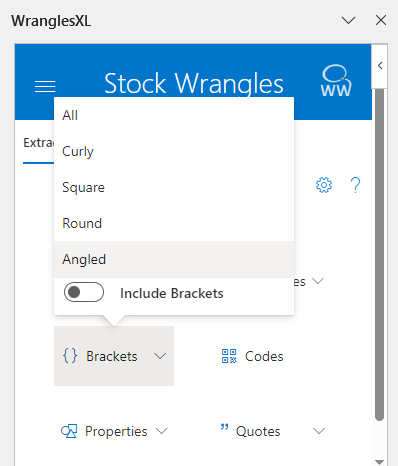
Extract the contents of any brackets from the input.
Tabset
Example
| → |
|
Options
| Option | Notes |
|---|---|
| All | Extracts the contents of any brackets. |
| Curly | {} |
| Square | [] |
| Round | () |
| Angled | <> |
| Include Brackets | Allows brackets to be included or excluded in the output. |
Codes
Extract alphanumeric codes such as part codes or order numbers.
Tabset
Example
| → |
|
Find
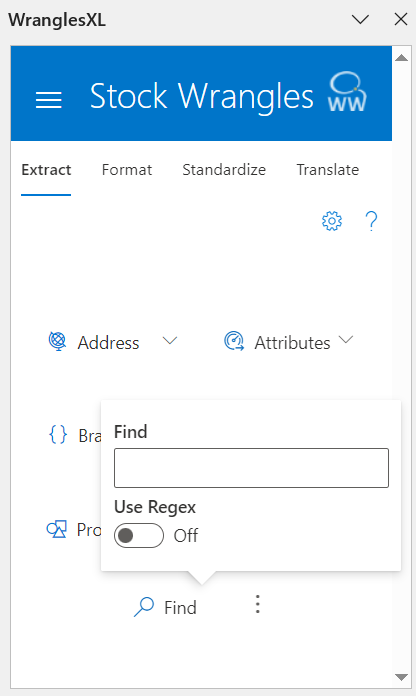
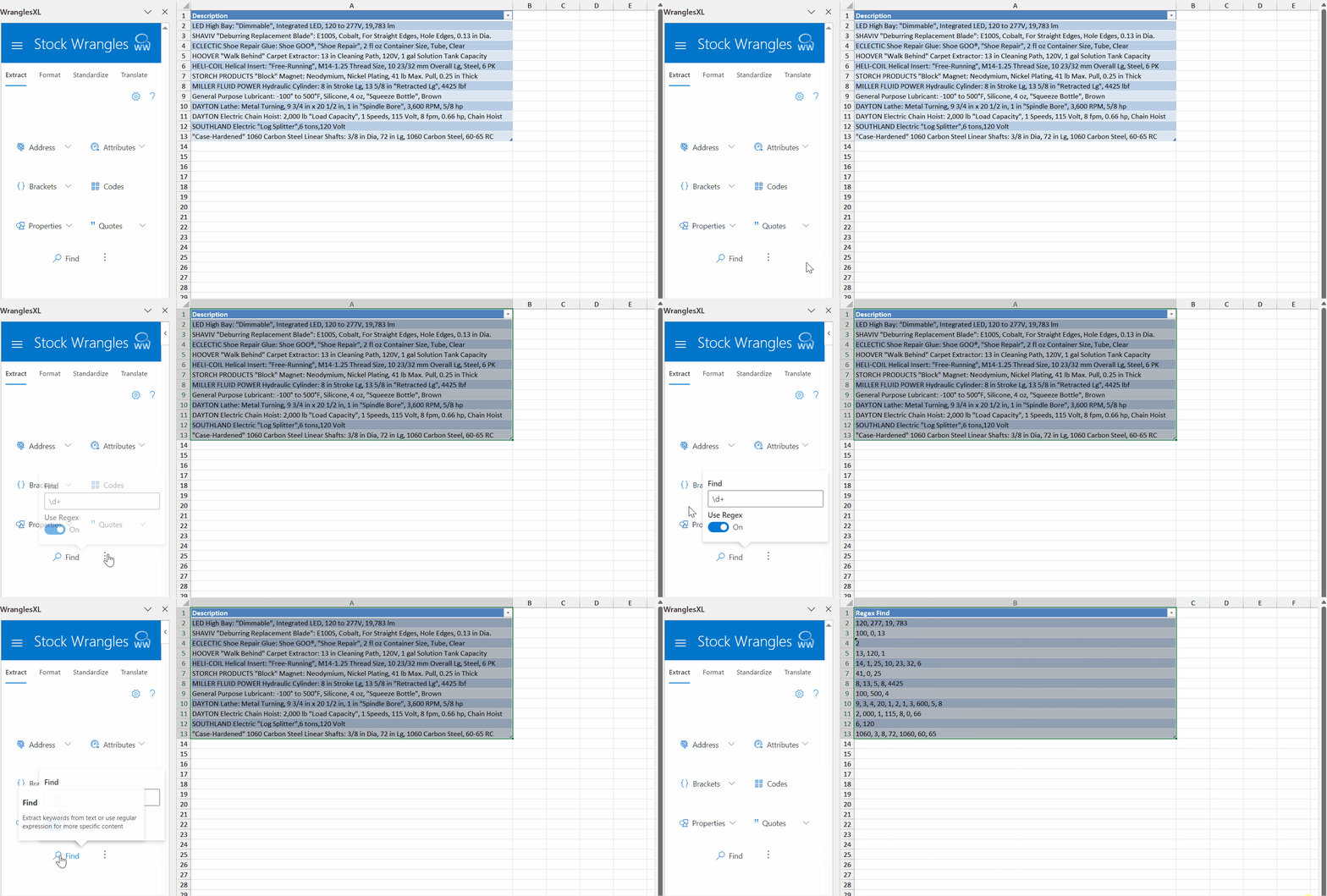
The Find extract wrangle allows users to extract text using strings or regular expressions.
Properties
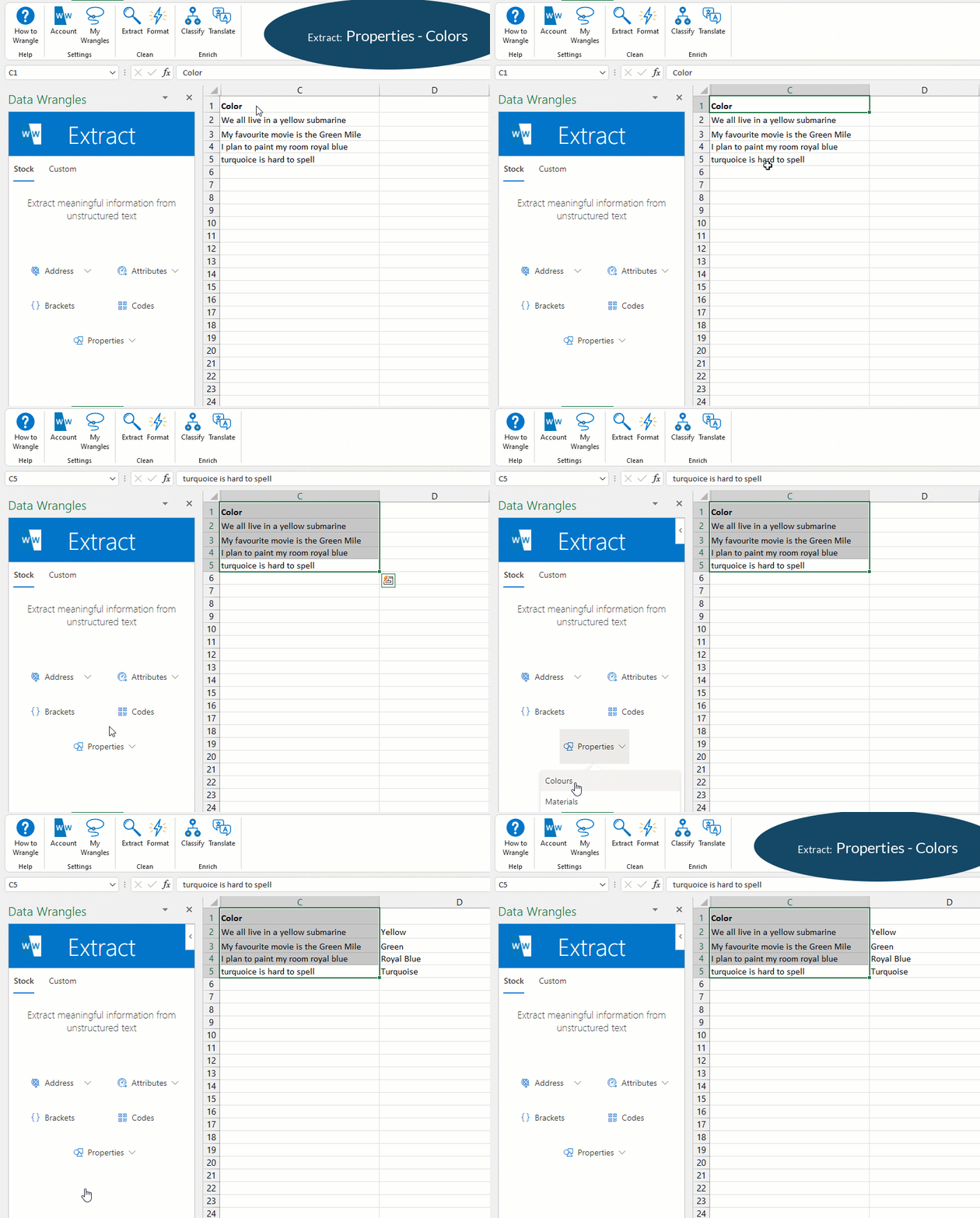
Extract categorical properties such as colors.
Tabset
Example
Options
| Option | Notes |
|---|---|
| All | Extracts all properties found as a JSON object. |
| Colours | |
| Materials | |
| Shapes | |
| Standards |
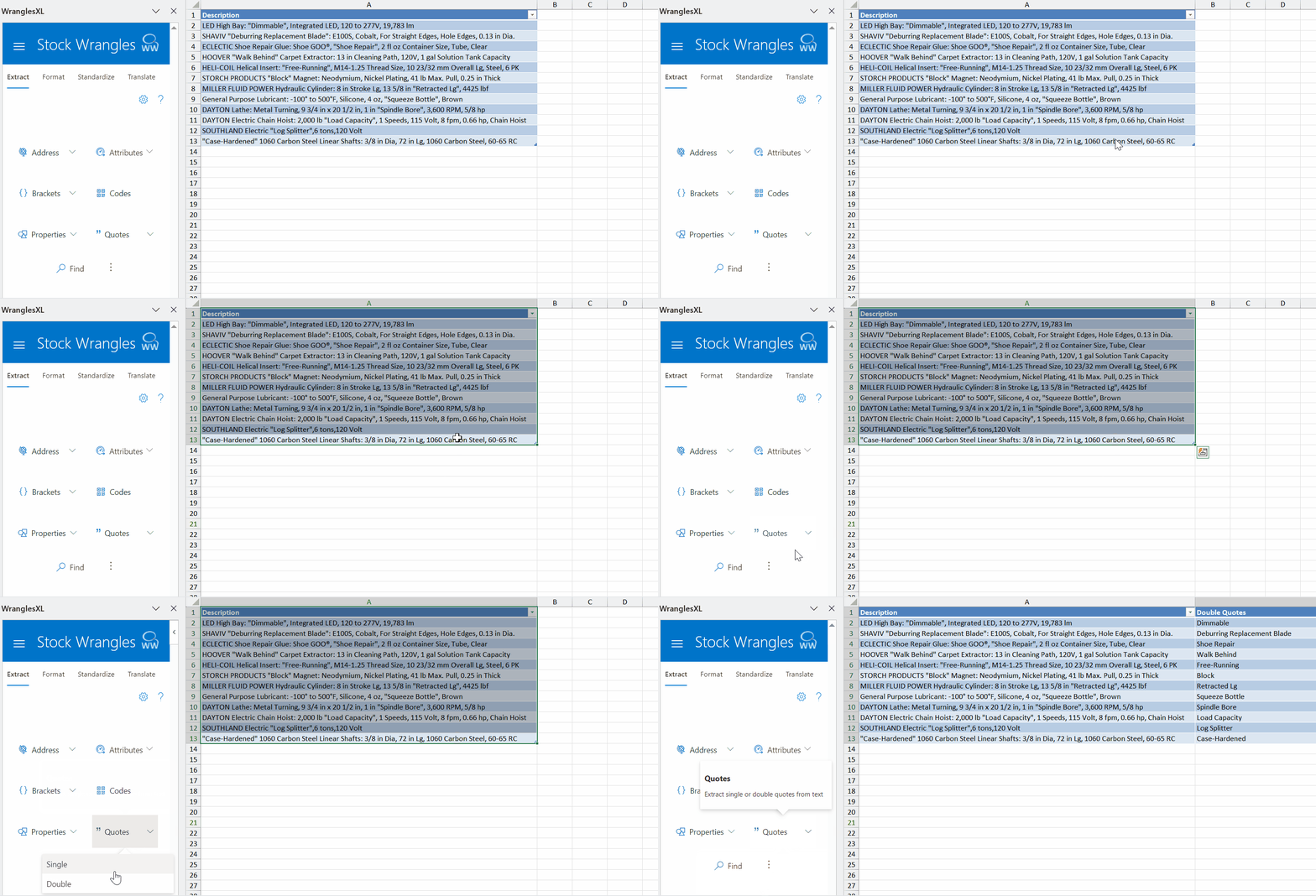
Quotes
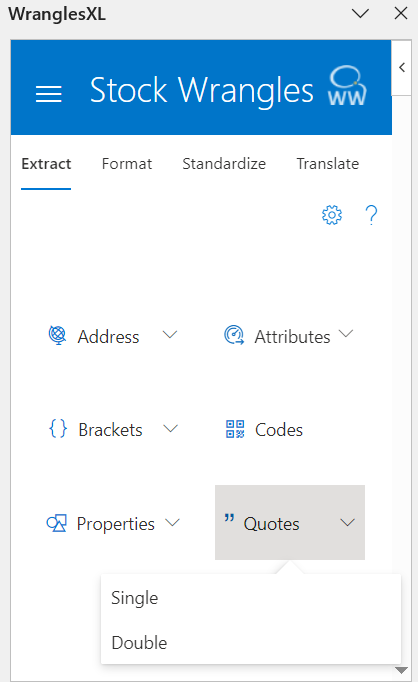
Extract the content of single or double quotes from text.
SQL
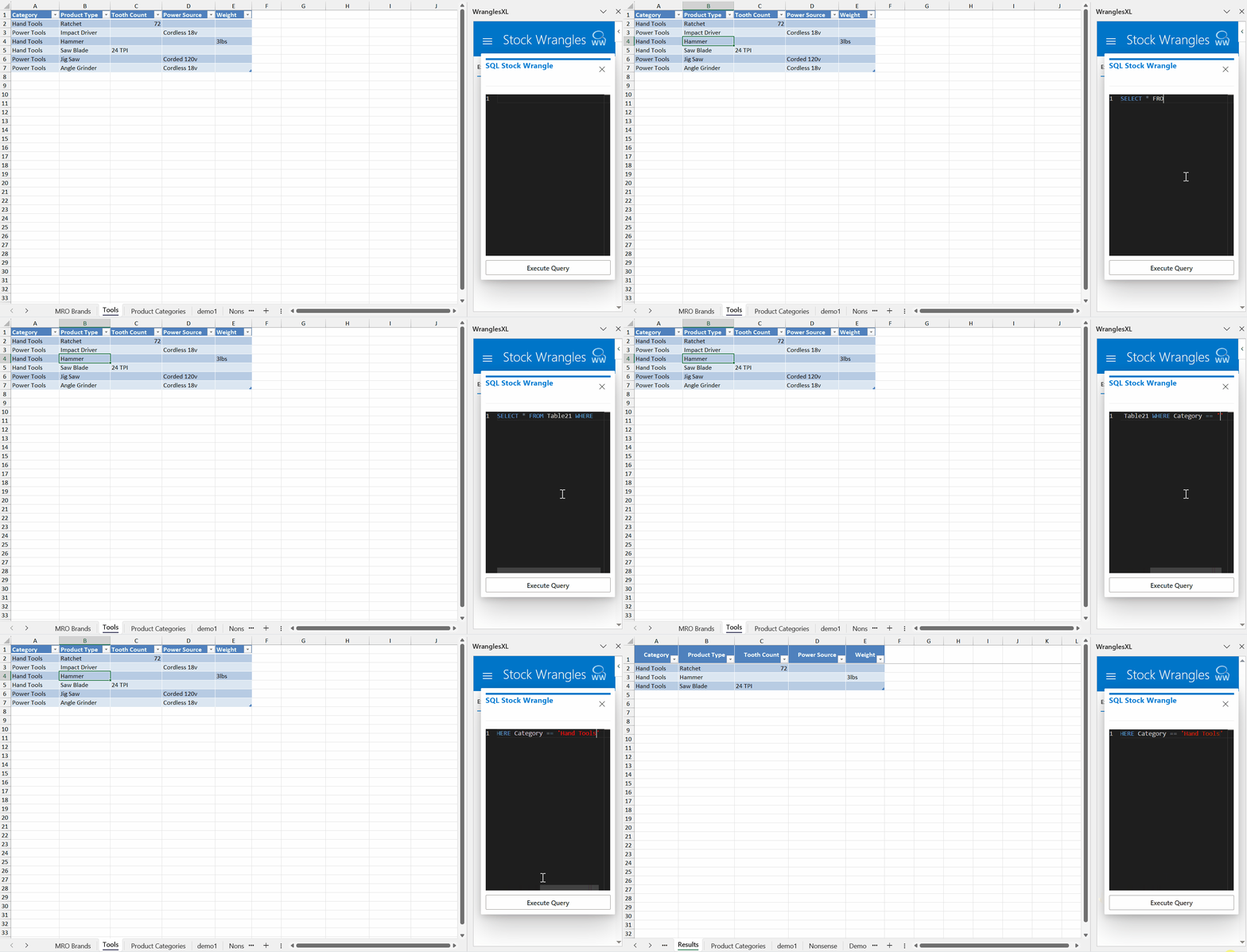
The SQL wrangle allows user to execute SQL queries in Excel against any table. The output of the query will be generated on a new sheet titled "Results".
Settings
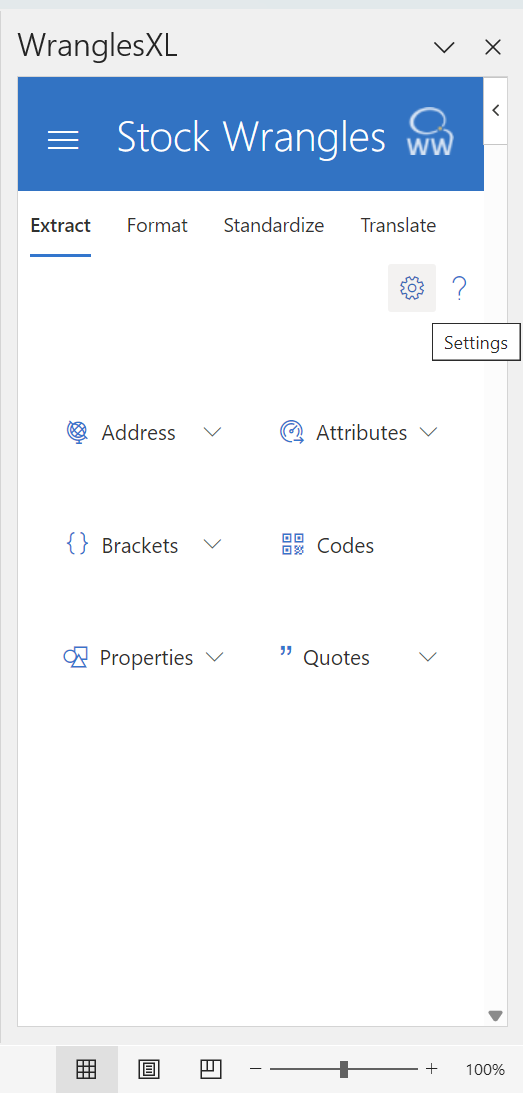
In the stock extract menu, you can change how the results are formatted if multiple results are returned with the settings button in the top right.
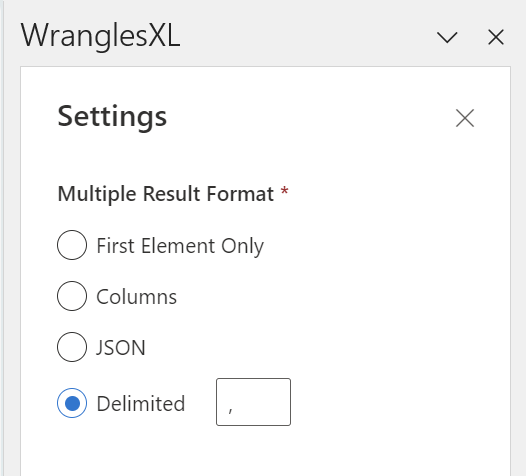
First Element Only
Select only the first element to be returned from the extract Wrangle.
Columns
Return every result from the extract in a different column.
JSON
Return the results as a JSON array. e.g. [result1, result2, ...]
Delimited
Return the results seperated by a delimiter, this will be the character in the text box. e.g. result1, result2, ...